
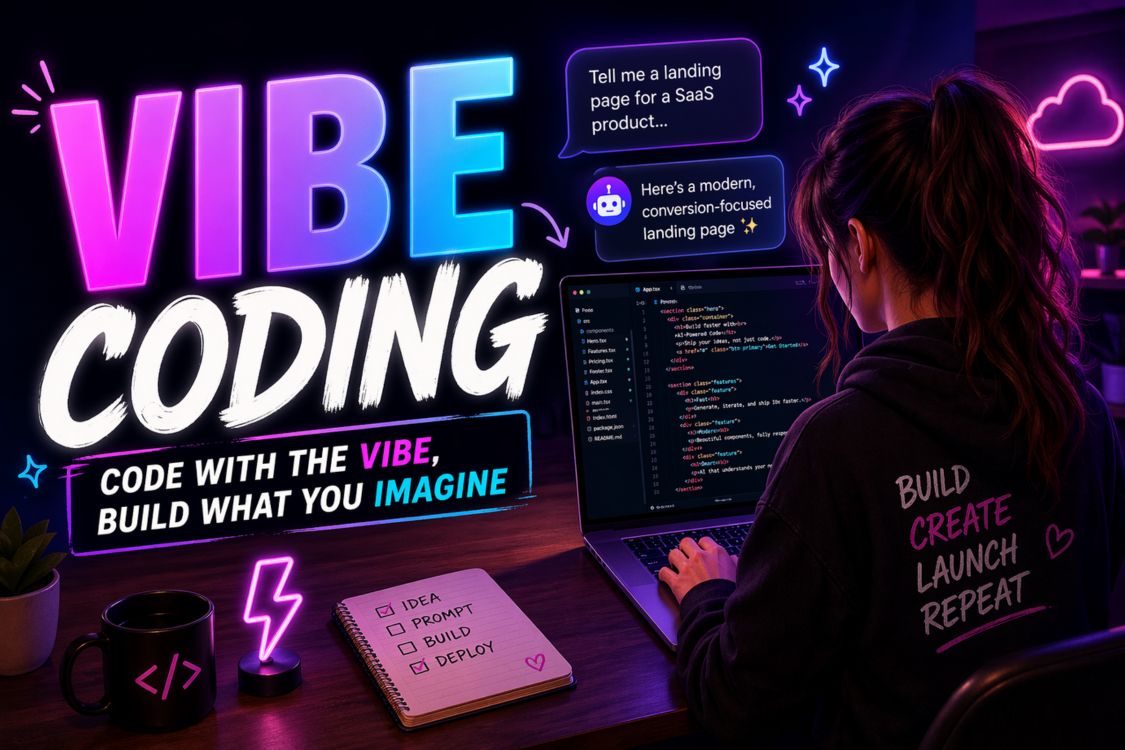
How to Vibe Code Your Website (And Why It Actually Works)
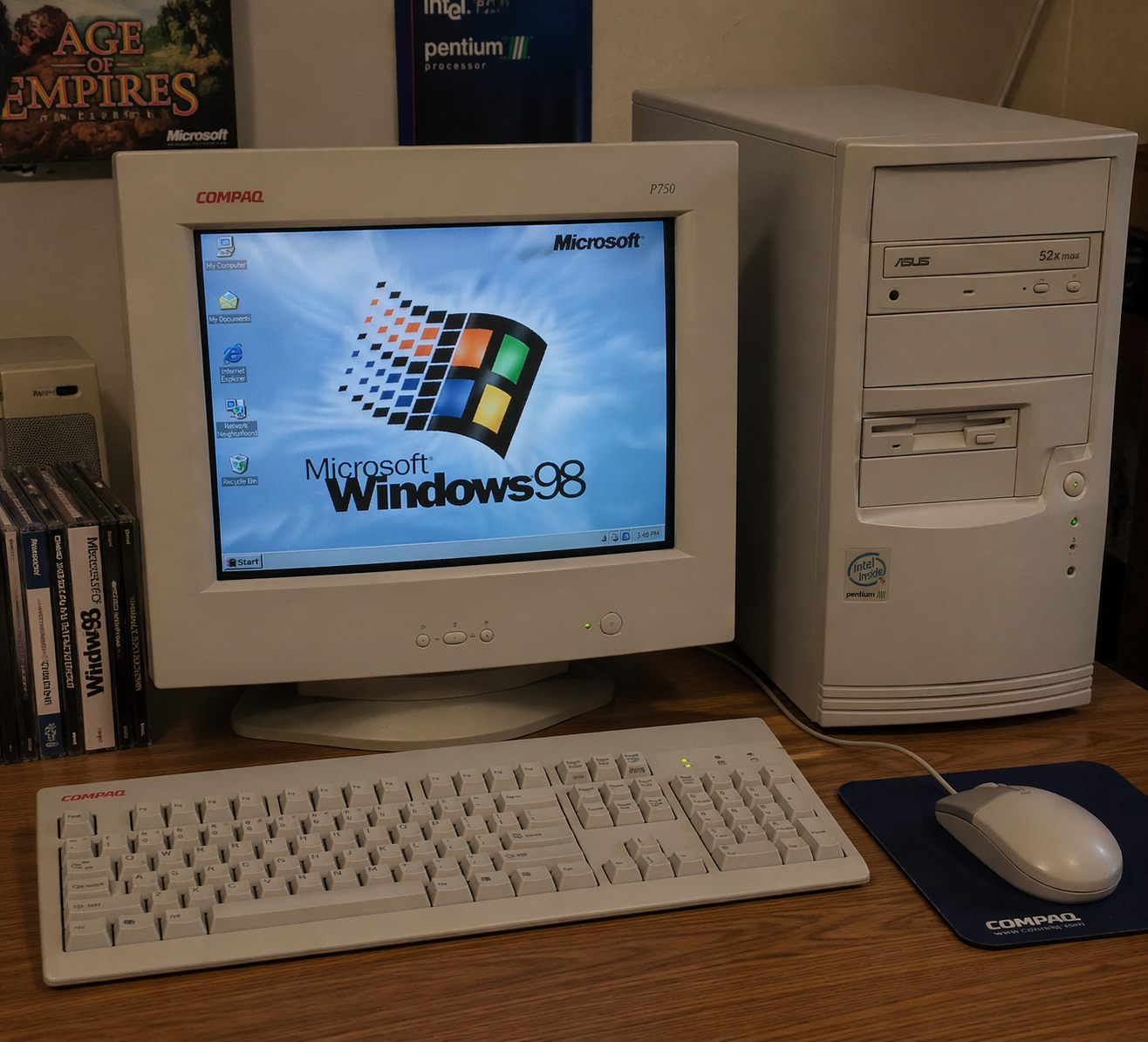
I was born in the 80's, grew up in the 90's. I am 'that' generation that scientists refer to as the Xennials or a "micro-generation". We act as a bridge between Generation X and Millennials. We are a different breed.
I remember when I was 17 my dad bought me a Pentium III computer. Now that was a beast. And I don't mean fast and colourful and with all the modern tech wiz stuff. I mean big and bulky, snail slow in comparison to what we have now but it was in my eyes revolutionary. I LOVED it.
Computer economics was one of my subjects in school. I remember sitting in class and looking at the coding languages. It went ABOVE my head. It was not me. Needless to say I passed my computer economics class but just just. It was just foreign.
Fast forward. I paid people to build websites. I built my own websites and funnels with GHL drag and drop features (I even had a marketing agency for 5 years). And yes I can understand the bare minimum coding.
Then the term VIBE CODING became a thing in my AI circles about a year ago. My first thoughts were "what is that?!" I saw it had to do with coding and in simple terms you can talk or type to the AI tool what you want it to create and it does.
Now that is cool!
I did not take action immediately. Still having bad memories of my computer economics classes.
Then I decided to sit down and take the plunge. Within 2.5 hours (testing included) I created a sales funnel with a calendar booking connected using Claude (and not even Claude Code) and GHL.
(This is what I created: https://ai.joynicholson.com/)
Obviously Claude did the majority of the work with my edits.
Now let's get into what exactly vibe coding is and how YOU can use it:
What Is Vibe Coding?
Real talk: vibe coding is when you describe the aesthetic, feeling, and energy you want, then let AI generate the code that matches. Instead of saying "I need a hero section with a 60px top margin and #3A3A3A text," you say "I want this to feel like a confident late-night conversation with a friend who actually gets it."
The difference? One requires technical knowledge. The other requires emotional intelligence.
You already have the second one.
The Vibe Coding Landscape (Your Options)
Before we dive into how I did it, let's talk about your tool options. The vibe coding world has exploded in the past year.
Cursor is the developer favourite. It's an AI-powered code editor that feels like having a senior developer sitting next to you. Great if you're comfortable working in actual code files.
v0 by Vercel generates React components from text descriptions. Beautiful, fast, but you'll need to know your way around modern web frameworks.
Bolt.new lets you build full-stack apps through conversation. Wild to watch it work, but there's a learning curve on deployment.
Replit has AI baked in now. You can build and host in one place. Perfect for quick prototypes.
And then there's Claude (the tool I used) paired with GoHighLevel.
Here's why I went this route: Claude generates clean, customizable HTML and CSS that I could drop straight into GHL. No frameworks to learn. No deployment headaches. No wrestling with modern JavaScript if I didn't want to.
And GHL? It's where my entire business infrastructure lives. CRM, email automation, booking calendars, payment processing, the whole ecosystem. Being able to build custom pages and funnels that integrate seamlessly with everything else I'm already using? That was the unlock.
(Full transparency: I'm a GHL affiliate because I genuinely use it and recommend it. If you want to try it, I'll share my link at the end.)
Why This Works (When Traditional Design Doesn't)
Most small business owners and entrepreneurs get stuck because they're trying to think like designers. You're not a designer. You're someone with a vision, a message, and a very clear sense of what does and doesn't feel right.
That's actually more valuable.
When I set out to build my AI coaching funnel, I didn't start with wireframes. I started with words:
"Professional but not corporate. Smart without being intimidating. The kind of site where a homeschool mom feels just as comfortable as a tech founder."
That became my compass. Every element, every color choice, every font weight had to pass the vibe check.
Why Claude + GoHighLevel Is My Vibe Coding Stack
Before we get into the step-by-step, let me explain why this combo specifically works so well for business owners.
Claude generates clean HTML, CSS, and JavaScript. No proprietary frameworks. No build processes. Just code you can read, edit, and drop into platforms.
GoHighLevel is an all-in-one business platform. It's your CRM, email marketing, SMS, booking calendar, payment processor, funnel builder, and website host in one system. The drag-and-drop builder is great for simple pages, but when you want something custom? You can paste in your own HTML.
That's where vibe coding comes in.
I can have Claude create exactly the funnel I envision, then drop it into GHL where it automatically connects to my calendar, integrates with my email sequences, and processes payments through Stripe.
No wrestling with Zapier. No duct-taping five different platforms together. It just works.
The Step by Step Guide to Vibe Coding Your Website
Here's exactly how I built ai.joynicholson.com using Claude and GHL. You can use this same process for any website, landing page, or sales funnel.
Step 1: Define Your Vibe (Not Your Specs)
Before you write a single prompt, get clear on the feeling. Not the features. The feeling.
I opened a note and wrote:
"This site needs to feel like I'm sitting across from you with coffee, explaining AI in a way that makes you excited instead of overwhelmed. Warm but authoritative. Personal but professional. The design should feel clean and modern without being cold or minimal. Think: smart simplicity."
Notice what's missing? Hex codes. Font names. Pixel measurements.
Those come later. Right now, you're building the emotional blueprint.
Step 2: Translate Vibe Into Visual Language
This is where you help Claude understand what "warm but authoritative" actually looks like. Think in comparisons and references.
My prompt to Claude:
"I need a website for my AI coaching business. The vibe is warm professionalism, like Brené Brown meets a tech conference keynote. I want colors that feel grounded but energetic. Maybe deep navy or charcoal with pops of something unexpected. Modern sans-serif fonts. Plenty of white space but not sterile. The homepage should feel confident but approachable, like I know exactly what I'm doing and I'm excited to help you figure it out too."
See what happened there? I gave:
A vibe comparison (Brené Brown meets tech keynote)
Emotional descriptors (grounded, energetic, confident, approachable)
Directional preferences (modern sans-serif, white space, unexpected color pops)
The feeling I want visitors to have
That's enough for Claude to work with.
Step 3: Let Claude Generate the Foundation
Claude came back with a color palette, font pairings, and layout suggestions. Here's the beautiful part: I didn't have to know if those were "correct" choices. I just had to know if they matched the vibe.
The first palette was close but too serious. I said: "Love the navy. The accent color feels too safe. Give me something with more personality."
Second try: perfect. A deep charcoal with an unexpected coral accent that felt energetic without being loud.
This is the magic of vibe coding. You're not troubleshooting code. You're curating based on feel.
Step 4: Build Section by Section (With Feeling)
Now you're ready to build actual sections. Start with the hero.
My prompt:
"Create a hero section for ai.joynicholson.com. The headline should communicate that I help families and business owners use AI ethically and effectively. The vibe is: You're in the right place, and this is going to be easier than you think. Include a clear CTA. Make it feel like the start of a conversation, not a sales pitch."
Claude generated the HTML and CSS. I reviewed it against the vibe. The copy felt too formal. I asked for it to be rewritten as if I was talking to a friend.
Better.
The CTA button was too aggressive. I asked for something that felt more like an invitation.
Perfect.
Step 5: Refine by Feeling, Not by Spec
As you build out each section, your refinement prompts should sound like this:
"This testimonial section feels cluttered. Make it breathe more."
"The about section is reading too resume-ish. Can we make it sound like I'm introducing myself at a dinner party?"
"The footer feels like an afterthought. Make it feel intentional but understated."
Notice: not a single pixel measurement. Just feelings.
Step 6: The Vibe Check Round
When the site is mostly built, do a full vibe check. Open it up and ask yourself:
Does this feel like me?
Would my ideal client feel at home here?
Is there anything that makes me cringe?
For ai.joynicholson.com, I realized the services section felt too listy. It was accurate but lifeless. I went back to Claude:
"The services section is technically correct but it's not landing emotionally. Can we reframe each service as a transformation instead of a feature? I want people to see themselves on the other side of working with me."
Claude rewrote it. That version made it to the live site.
What Makes Vibe Coding Different from Regular Prompting
You might be thinking: isn't this just using AI to build a website?
Yes. And no.
Regular AI prompting focuses on outputs. Vibe coding focuses on outcomes.
When you prompt for features, you get functional code. When you prompt for feelings, you get code that connects.
The technical execution is Claude's job. The emotional direction is yours.
That's the division of labor that actually works.
The Real Secret: You Already Know the Vibe
Here's what I've learned coaching dozens of entrepreneurs through AI implementation:
The people who struggle aren't the ones without technical skills. They're the ones who don't trust their own taste.
You know what feels right for your brand. You know what makes you cringe. You know the difference between "this works" and "this is exactly it."
That's the only skill vibe coding requires.
Getting It Into GoHighLevel (The Technical Bit That's Not Actually Technical)
Once Claude has generated your code, here's how you get it into GHL:
In your GHL account, create a new funnel or website
Add a custom code section (or use the custom HTML/CSS element)
Paste Claude's code directly in
Save and preview
That's it. Seriously.
If you need to connect a calendar booking (like I did), GHL has native calendar integrations. If you need to collect emails, GHL's forms are already built in. Payment processing? Stripe integration is one click.
The beauty of using Claude with GHL is that Claude handles the creative front end while GHL handles all the backend business infrastructure. You're not cobbling together WordPress plugins and hoping they play nice. You're working within one ecosystem.
This is why I recommend GHL to almost every business owner I coach. It's not just about building pretty pages. It's about building pages that actually run your business.
(Want to try GHL? I'm an affiliate and genuinely use it daily. Here's my link: [Insert your GHL affiliate link]. You'll get a trial period to test it out, and I'll get a small commission if you decide to stay. Win-win.)
Try It Right Now
Open Claude. Describe the vibe you want for your next project. Use comparisons. Use feelings. Use "this but not that" statements.
Don't worry about being precise. Worry about being honest.
The code will follow the vibe. It always does.
Your Next Steps
If you want to learn vibe coding for your business: Head to ai.joynicholson.com to explore how we can work together. I teach entrepreneurs and families how to use AI without losing the human touch. Vibe coding is just one piece of what's possible.
If you want the platform that makes this easy: Check out [GoHighLevel through my affiliate link]. It's what I use to run my entire business, and it's the reason I could go from idea to live funnel in 2.5 hours. The integration between Claude's code and GHL's infrastructure is seamless.
If you just want to try it yourself first: Bookmark this article. Open Claude. Start describing vibes. See what happens.
Either way, you're about to discover something powerful:
You don't need to learn code. You just need to learn to trust your vibe.
Joy Nicholson is an AI coach for families and business owners on the Sunshine Coast, Australia. She helps people use AI ethically and effectively without losing the human touch. When she's not vibe coding & coaching small business owners, she's homeschooling three kids and probably planning her next curriculum pack at Curious Kea Publishing

Frequently Asked Questions
What age are these resources for?
Most of our books and printables work for ages 7-16. We break it down by age range inside each resource. Some families use them younger if their kids are ready. Some use them older if they're just starting. You know your kid best.
Do you have Christian resources?
Yes. Faith matters to us. We have books focusing on biblical wisdom and discernment. We're not preachy, but we're not neutral either. These are made for families who want their kids to think critically and stand firm.
Digital or physical books?
Both. Our main books (Communication Superpowers for Kids and Don't Let AI Raise Your Kids) are on Amazon in paperback. Our printables, workbooks, and curriculum packs are digital downloads. Print them at home or use them on tablets. Whatever works for your family.
What if I don't homeschool?
These work for any family. Homeschool, public school, private school. Doesn't matter. If you want your kids to communicate better and think critically about technology, these are for you.
Which book should I start with?
Start with what's bugging you most. Kids glued to screens? Grab Don't Let AI Raise Your Kids. Want better family conversations? Communication Superpowers. Honestly, both work together beautifully.
Can I share these with my co-op or friends?
These are licensed for single-family use. If your co-op or group wants to use them, reach out. We can sort something out. And heads up: we're launching an affiliate program soon. If you love what we're doing and want to share it, you'll be able to earn while helping other families. Stay tuned.
Books and printables helping families raise thinkers, not robots. AI wisdom, communication skills, and faith-first learning for ages 7-16.
Curious Kea Publishing
LEGAL
© Copyright 2026. Joy Nicholson . All Rights Reserved.